
Mermaid Awakening Controls
Default Roblox movement plus the mermaid HUD — confirm every bind on your device after spawn.
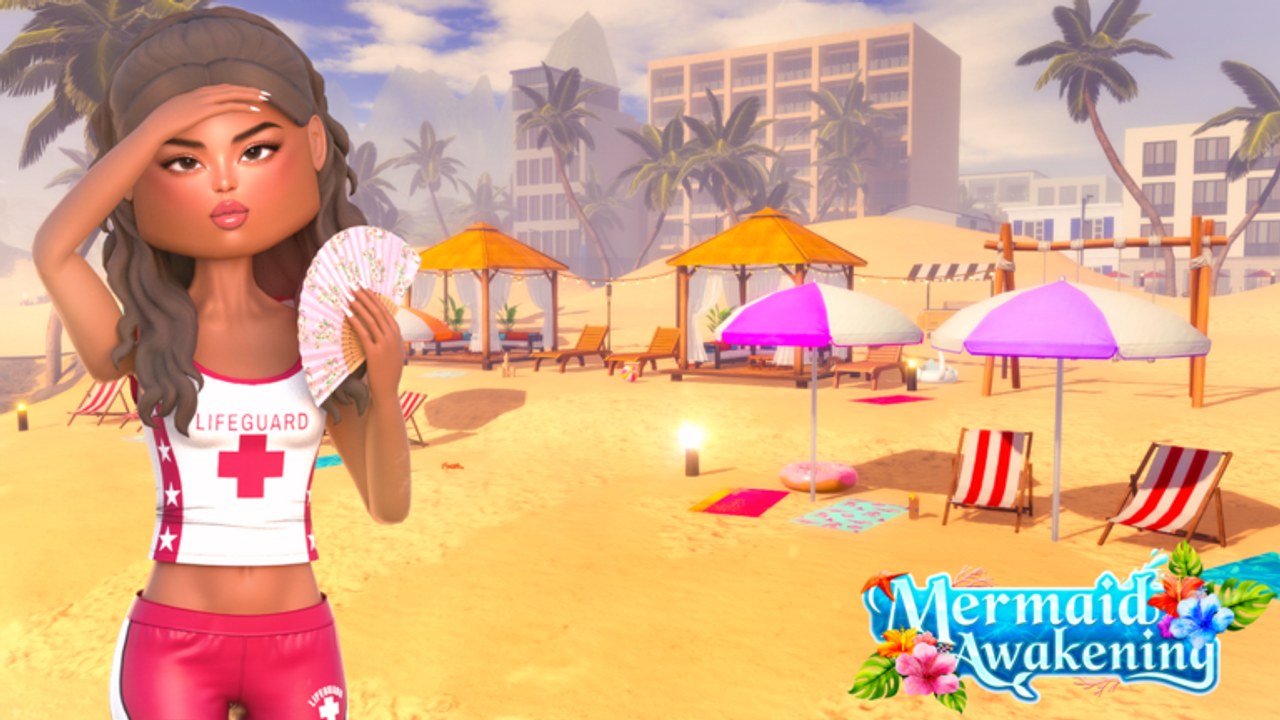
Mermaid Awakening has not published a custom key list. That is normal for a week-old Roblox roleplay. This page is the default map plus the HUD habits that actually break jobs: missing interact prompts, a mermaid form that hides shop buttons, and a camera that fights you in a 20-player beach. If a TikTok overlay shows Q/E as fireballs from another H2O game, ignore it until you see the same tray in this place.
Read this after you spawn. If you have not, start with Getting Started. If you can walk but cannot work, you are probably still mermaid — become a mermaid covers the reverse toggle.
Default movement (all devices)
| Action | PC | Mobile | Gamepad |
|---|---|---|---|
| Move | WASD | Left thumbstick | Left stick |
| Jump / surface | Space | Jump button | A / Cross |
| Camera | Right mouse / mouse look | Drag | Right stick |
| Interact (jobs, shop, NPCs) | E or ProximityPrompt | Tap the prompt | X / Square |
| Roblox menu | Esc | Roblox button | Options |
| Shift lock | Settings → Shift Lock | n/a | n/a |
That table is Roblox default. The mermaid HUD sits on top. Do not rebind interact away from E if you work Rikki’s — waitresses live on that prompt.
What to do in the first thirty seconds
- Spawn. Do not sprint into the ocean.
- Open Roblox settings. Turn on Shift Lock on PC if you want a stable camera for screenshots. Leave it off if you hate it; nothing in this game requires it.
- Find the mermaid / transform icon and the skill tray. If they are missing, dive once, then rejoin. Launch bugs hide trays.
- Walk to a cabana, a cafe ramp, or Fresh Catch and trigger an interact prompt in land form. If nothing appears, you are on a dead server — hop. Servers hold 20 players.
Mermaid form and the HUD
The universe is R15 morph. Tails replace legs. Swim locomotion uses the same move stick, plus jump to surface. Powers — water, fire, and ice — land on a skill tray once the morph is live. There is no official cooldown sheet. Tap once, wait, tap again. If a power does nothing, you are dry, on cooldown, or on a glitched tray.
Land form is for jobs, the Fish Shop counter, and code redeem if the box hides during swim HUD. Mermaid form is for travel, Mako Island, and power practice. Mixing them is how people miss prompts.
Mobile and touch
Thumbstick left, jump right, camera drag. Prompts are tap targets. Fat thumbs miss cafe tickets — zoom the camera so the prompt is not under the skill tray. If the mermaid button sits under the Roblox jump cluster, use a new server; that is a layout bug, not a hidden quest.
Voice is not supported on the listing. Chat is text. VIP only colours that chat. You do not need a push-to-talk bind.
Gamepad
Left stick move, right stick camera, A jump, X interact. If the mermaid toggle is a GUI button, you still need the on-screen cursor or a highlighted tray. Gamepad players should enable the on-screen selection highlight in Roblox settings. If a tray cannot be selected, use touch or mouse for one session and report it in Discord — do not buy a pass to “fix” input.
Camera habits that save the session
Gold Coast cabanas and Rikki’s ramp are tight. Zoom out before you take a drink order. On Mako, zoom out again so moonlit rock does not eat your tail. First-person is optional and worse for swimming. Stay in third person until you know the island.
Shift lock helps PC screenshots of the lifeguard look. It fights you in water. Toggle it off before you dive.
What is not a control
- There is no published “press G to siren.” Older Mako games used letter binds for named characters. This title is a custom morph, not a Cleo/Rikki roster.
- There is no emote wheel listed. If Roblox default emotes work, they are Roblox, not mermaid powers.
- Scripts that add fly / speed are not controls. They are account risk. See script safety.
Troubleshooting the tray
| Symptom | Try this |
|---|---|
| No interact prompt | Land form, walk closer, new server |
| Jump does nothing in water | You are mermaid; surface, then jump |
| Power button missing | Rejoin; check you actually transformed |
| Camera inside a tail | Zoom out, remove bulky layered clothing |
| Mobile prompt under jump | Rotate camera, or hop servers |
If none of that works, it is a launch bug. Post in Discord with device and a screenshot. Do not invent a key from another mermaid game.
When the team publishes a real bind list, this table updates. Until then, the default map plus “confirm the tray after spawn” is the whole controls guide. Pair it with Getting Started and the hidden places page if you can move but cannot find Mako.
Frequently Asked Questions
Quick answers to the most common questions.
Is there an official Mermaid Awakening keybind list?
Not yet. Use Roblox defaults and confirm the mermaid HUD after spawn. Ignore overlays copied from other H2O games.
Why will the job prompt not appear?
Revert to land form, stand on the prompt, and hop if the 20-player server is stale. Interact is E or a tap — not a power key.
Do I need Shift Lock?
No. It helps PC photos. Turn it off before you swim so the camera does not fight the tail.
Does gamepad work?
Movement does. GUI trays may need the on-screen selector. If a button cannot highlight, try touch or mouse once and report it.