
How to Redeem Mermaid Awakening Codes
Find the code box, paste the official string, and fix the usual launch-week errors.
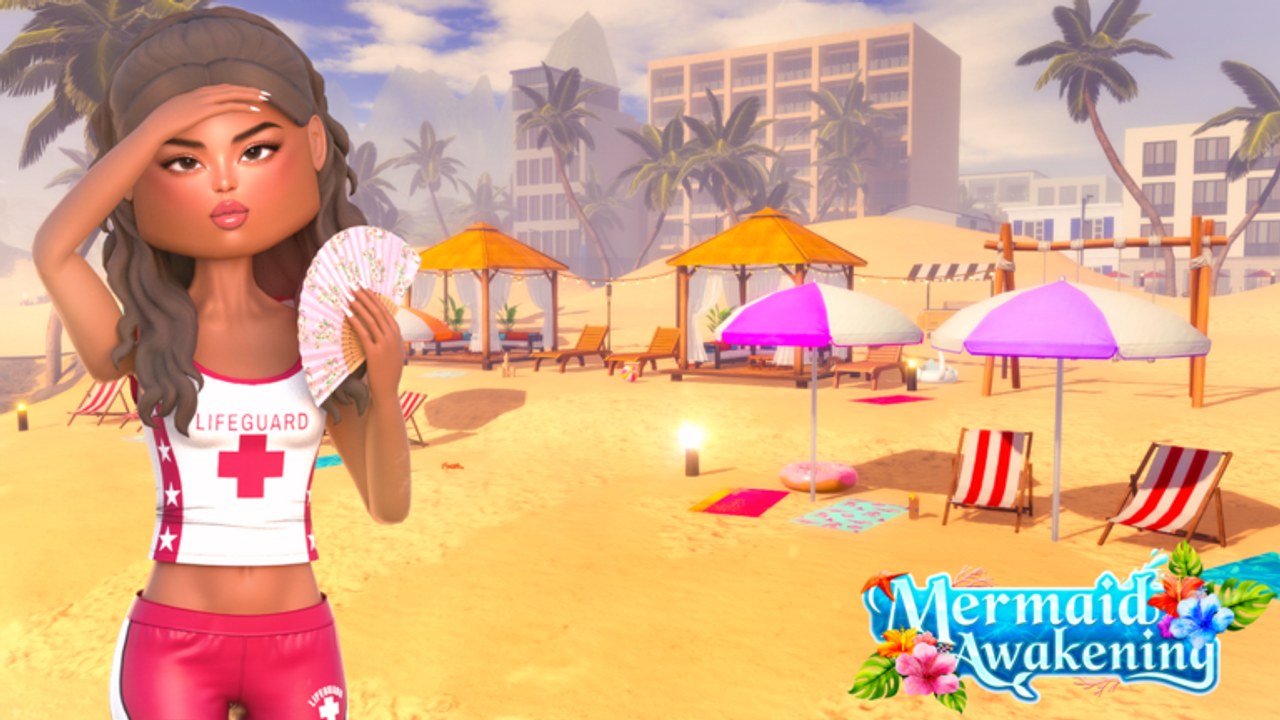
Codes in Mermaid Awakening are a launch-week economy lever, not a side toy. The developers already promised a coin code at 5,000 likes, and the x2 Money pass refuses to multiply that reward. The minute the string drops, hundreds of players will paste it at once. This page is the checklist so you are not still looking for a gear icon while the rest of the Gold Coast is already shopping.
If you have not liked the game yet, do that first on the like-goal page. Redeeming is useless until a real string exists. When it does, it will appear on this wiki’s codes hub in exact case.
Before you open the box
- Update Roblox. Launch builds on 2 September 2026 still carried expected bugs; an old client makes UI buttons vanish.
- Join a server under the 20-player cap. Full Gold Coast servers stall prompts.
- Copy the code from the codes hub — do not retype from a compressed TikTok overlay.
- Stay in your human/land form if the box is on a HUD that hides during a mermaid swim. If you already transformed, surface and try again. See how to become a mermaid if you are stuck in the wrong state.
Where the code box lives
Launch UIs for Roblox mermaid roleplays usually hide codes in one of three places. Check them in this order:
- Settings / gear icon on the right or top of the HUD. Scroll to a field labelled Codes, Redeem, or Coin Code.
- Shop or money panel next to the coin counter. Because this title already sells VIP and outfits for in-game currency, the redeem field may sit beside those purchases.
- Pause / menu list on mobile (the three-line or Roblox menu), then a Codes tab.
The official copy on the experience page says “a NEW COIN CODE will be released for everyone to redeem,” so the box is a first-class feature, not a leftover. If you cannot find it on day one, you are not crazy — the launch notes warn that glitches are expected. Rejoin, try another server, or wait for a hotfix rather than installing a random script.
Step-by-step on PC
- Spawn on the Gold Coast.
- Open the HUD menu (gear, shop, or pause).
- Click the code field. Paste with Ctrl+V. Codes are case sensitive.
- Press Redeem / Enter.
- Watch for a toast: coins added, invalid, already redeemed, or expired.
- Close the menu and confirm the coin counter moved before you spend.
Step-by-step on mobile
- Rotate to landscape if the HUD is clipped.
- Tap the gear or shop icon. Avoid the Roblox system menu unless the in-game panel is missing.
- Long-press the field and paste. Mobile keyboards love to add a trailing space — delete it.
- Tap Redeem. If nothing happens, the prompt is probably behind the on-screen joystick; tap the centre of the button, not the label.
- Re-open the shop to confirm coins, then buy what you actually need (see jobs and coins before impulse-buying VIP clothing).
Errors and what they mean
| Message or symptom | Likely cause | Fix |
|---|---|---|
| Invalid / incorrect | Wrong game’s code, extra space, wrong case | Paste from the codes hub only |
| Already redeemed | Your account already used it | Stop retrying; it will not pay twice |
| Expired | Drop window closed | Wait for the next official string |
| Nothing happens | Launch UI bug, mermaid swim HUD, full server | Surface, rejoin, try PC if you were on mobile |
| Coins missing after success | Shop UI cached | Rejoin; do not buy Robux thinking it failed |
Never paste a code into chat. Chat is not the redeem box, and public chat is how impersonators harvest working strings.
After a successful redeem
Spend with a plan. The Pearl Luxury Outfit and VIP clothing can be bought with coins; x2 Money cannot. If you are still unlocking powers and a mermaid tail, buy the cosmetic you will actually wear on land jobs first. Lifeguard and Rikki’s shifts are visible in the official art — looking the part is part of the roleplay, but empty pockets make those shifts slower.
If the code was coins, consider banking a stack for fishing restocks at the Fresh Catch shop. The Caught all fish badge is rare (well under one percent of players at launch), and panic-spending the entire dump on one outfit is how you stall that grind.
Related pages
Keep this page paired with the like-goal tracker until the first string is public. After that, return here only when a new drop is announced in updates.
Frequently Asked Questions
Quick answers to the most common questions.
Are Mermaid Awakening codes case sensitive?
Treat them as case sensitive. Paste the official string exactly. Extra spaces from mobile paste are the most common fail.
Why is there no redeem button yet?
The first public coin code is gated on 5,000 likes. The box may still exist in the HUD; it simply has nothing valid to accept.
Can I redeem on mobile?
Yes. Use the in-game gear or shop panel, paste without a trailing space, and avoid the Roblox system menu unless the HUD is missing.
Do I need VIP to redeem?
No. The like-goal code is for everyone. VIP is a separate cosmetic and tag pass.